
If you’re using the Crypto.com Visa debit card, you probably already know how good it is—cashback in crypto, smooth app experience, decent perks depending on which tier you’ve got. I’ve been using it for a while myself. But recently, I ran into a bit of a snag: I needed to get my money off the card and back into my bank account. Easier said than done.
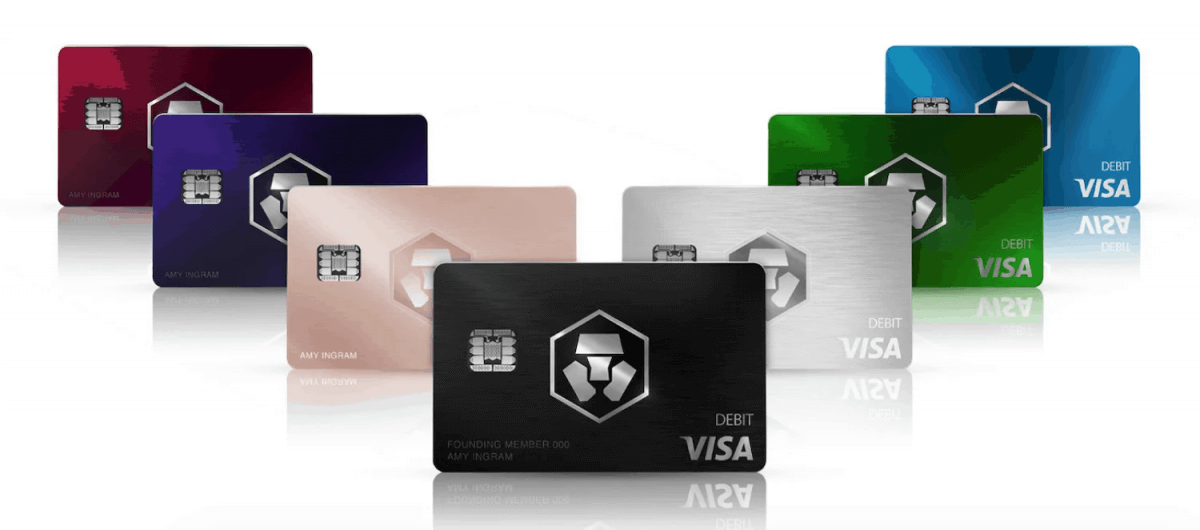
Withdrawing money from Crypto.com Visa card to your fiat wallet
Getting money onto the card is simple. Just load your Crypto.com fiat wallet, top up the card, and you’re good to go. But when I tried to do the reverse—move the funds back to my fiat wallet or bank account—I hit a wall. Turns out, Crypto.com doesn’t let you transfer funds back from the card. Like, at all.
I spent way too much time digging through support threads and Reddit posts, hoping someone had figured out a workaround. The only official option they offer is sending money to someone in your Contacts. But that just invites them to sign up for the app and receive the funds in their Crypto.com account—not their bank account. Not helpful.
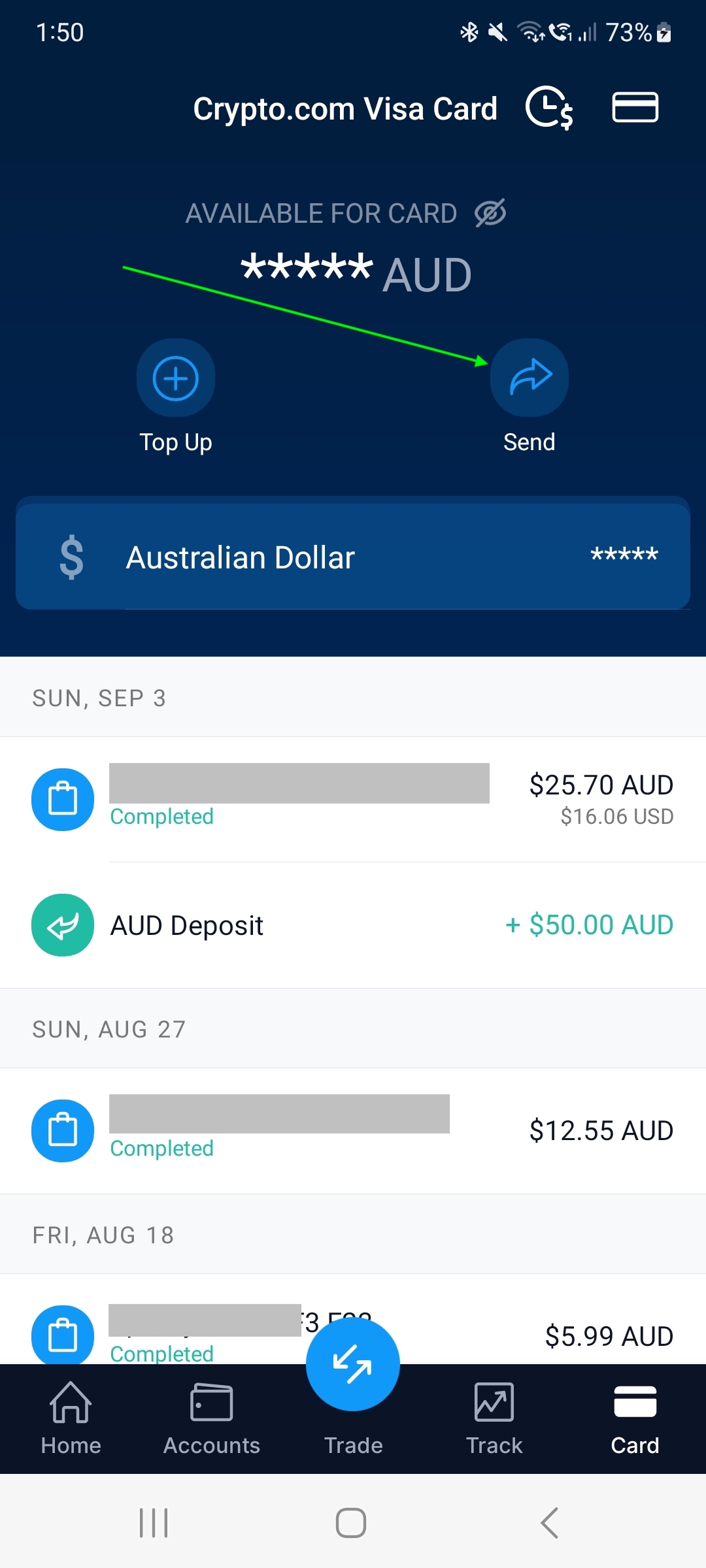
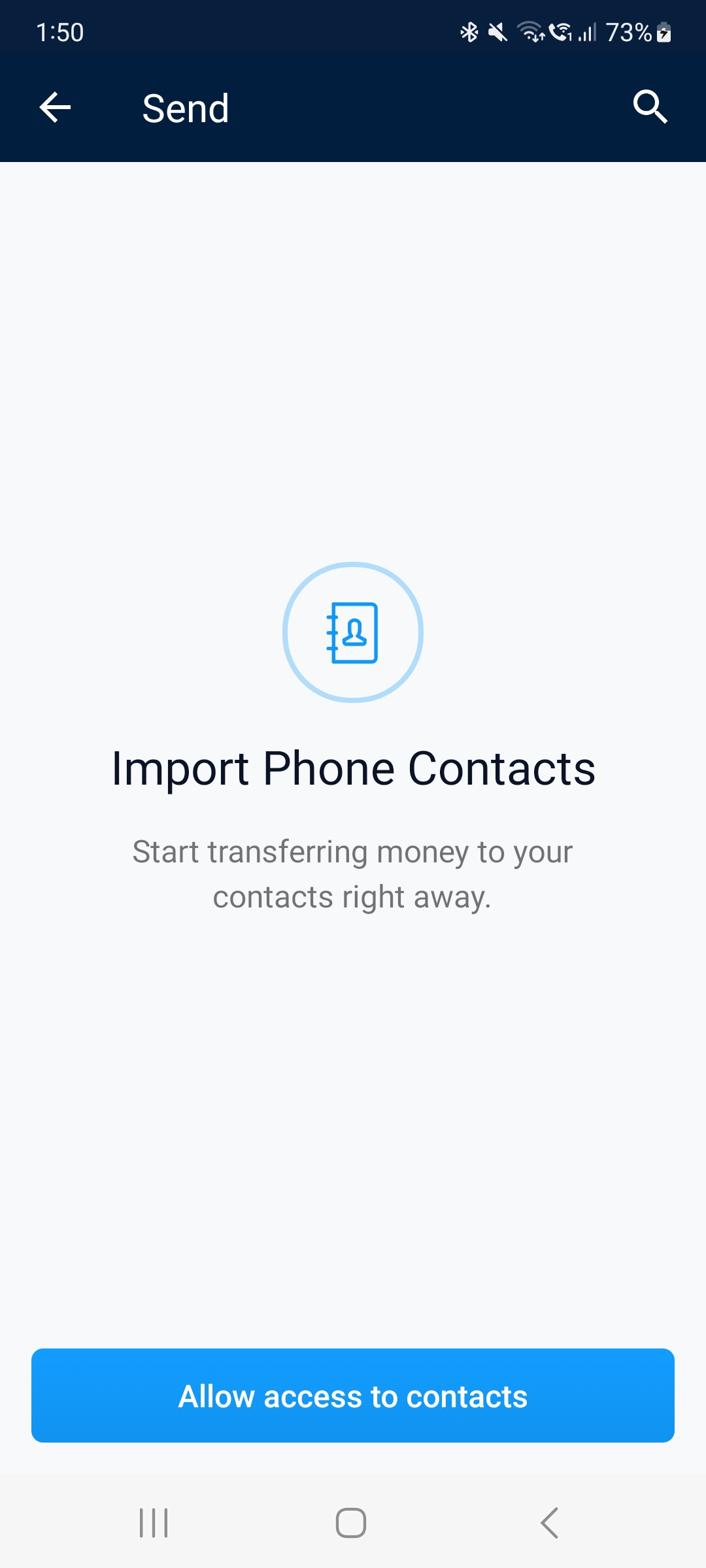
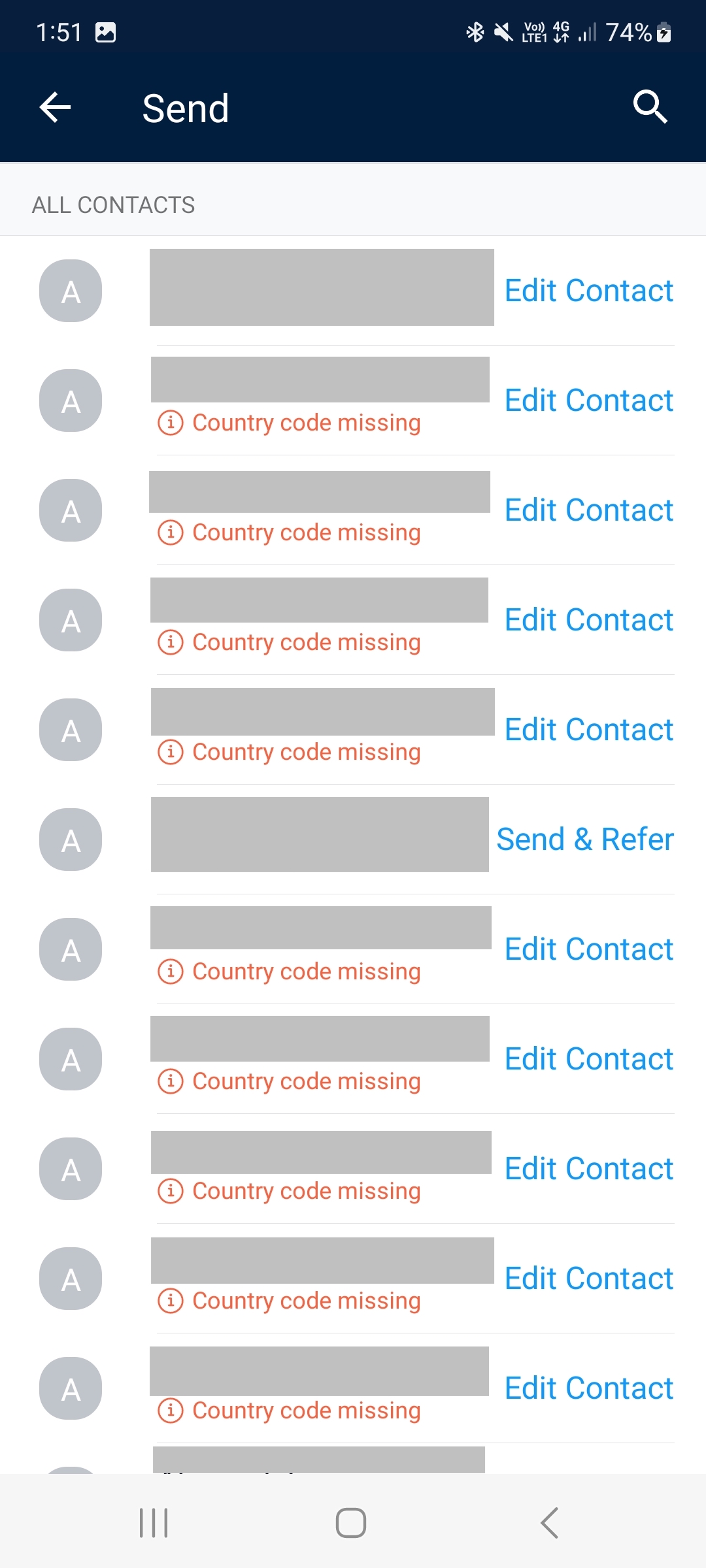
So… Is the Money Just Stuck on your Crypto.com card?
At first, it really felt like it. But thankfully, there is a way to get your money off the card—just not digitally.
Withdrawing money from Crypto.com Visa card using an ATM
The only real option is old-school: use an ATM. Yup, you can withdraw physical cash from any ATM that accepts Visa. That includes local ATMs and international ones too, so it’s actually kind of handy if you’re traveling.
Crypto.com even gives you a monthly fee-free withdrawal allowance, depending on your card tier:
|
Crypto.com Visa Card Tier |
Monthly Fee-Free Limit |
|---|---|
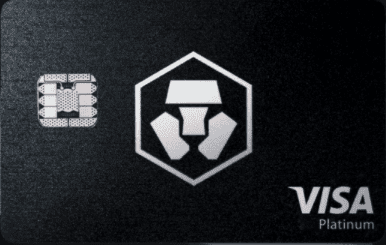
Obsidian |
$1,000 USD |
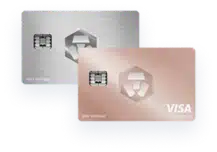
Icy White, Frosted Rose Gold |
$1,000 USD |

Jade Green, Royal Indigo |
$800 USD |

Ruby Steel |
$400 USD |

Midnight Blue |
$200 USD |
Once you go over your monthly limit, you’ll get hit with a 2% fee. It’s not terrible, especially if you’re in a pinch, but if you can afford to wait, you could always just withdraw a little each month and dodge the fee.
Final Thoughts
If you accidentally loaded too much onto your Crypto.com Visa card (been there), you can’t just send it back into your app or your bank. But don’t stress—you can get it out. Just head to an ATM, and depending on your card tier, you’ll be able to take out a decent amount each month without paying any fees.
Hope this saves you some time (and Googling). I wish I had known this sooner, honestly. Let me know if you’ve found any other tricks—I’m always up for learning a better way.